Here is an easy way to remove your old phone from windows passkey
1: Open Registry editor or regedit, Press Win + R and type regedit and press enter.
-
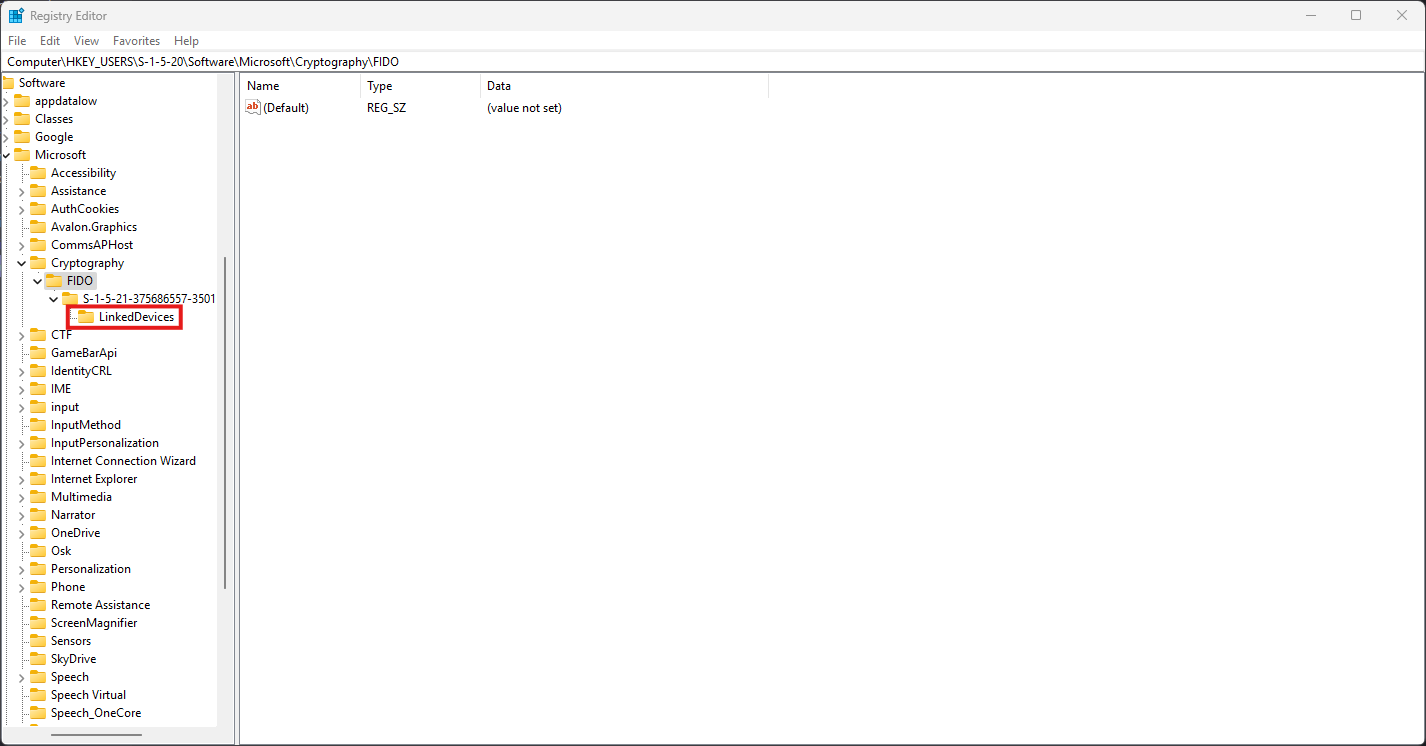
Now navigate to the FIDO Key, Go to
HKEY_USERS\S-1-5-20\Software\Microsoft\Cryptography\FIDO. -
Delete the Device Key under
LinkedDevicesFind the folder with the unique ID of your device and delete it.